Screenshots and store listings for every device
Drop in your screenshots once. Store Listing frames them for every Apple and Android device, writes your listing, translates it into 80 languages and publishes it all to both stores.
- iPhoneApp Store
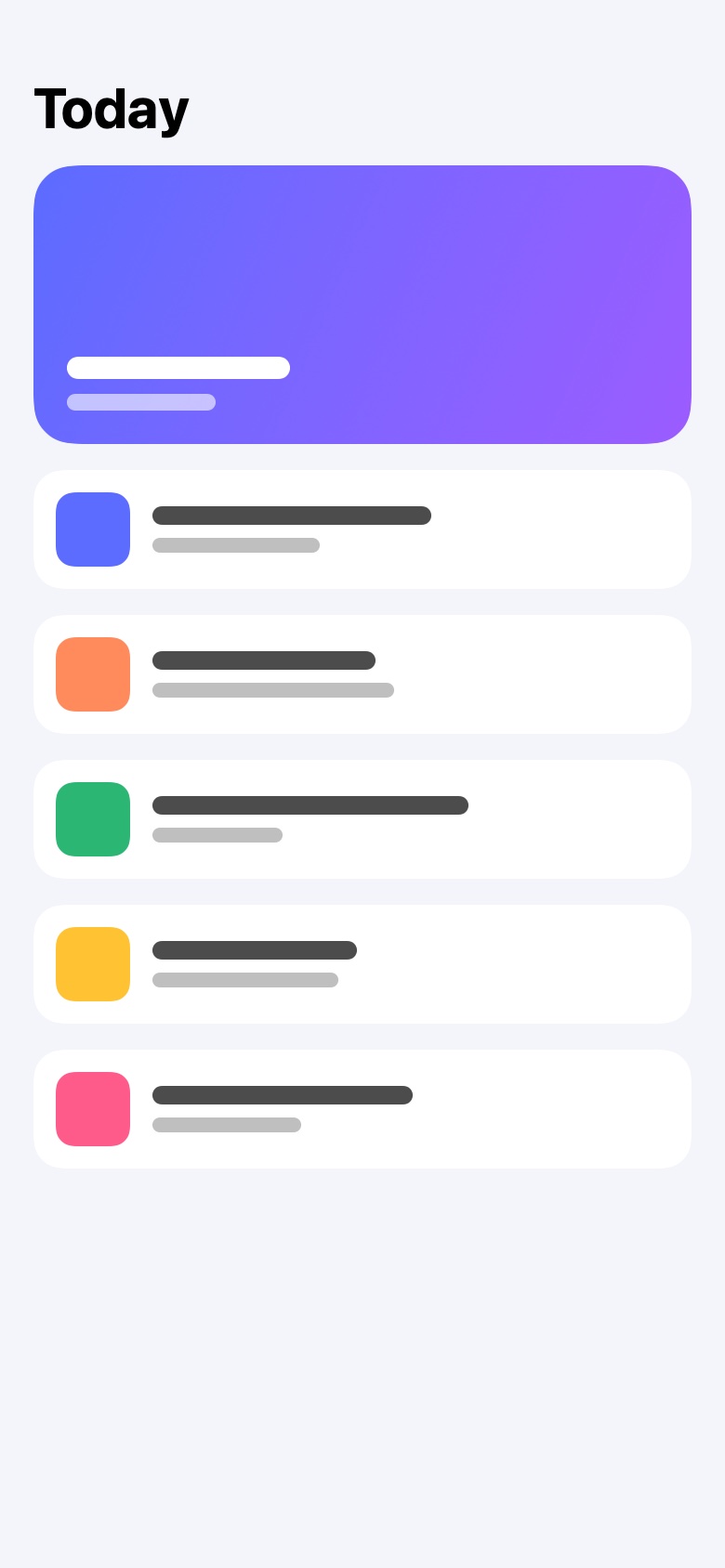
- iPhone DuoApp Store
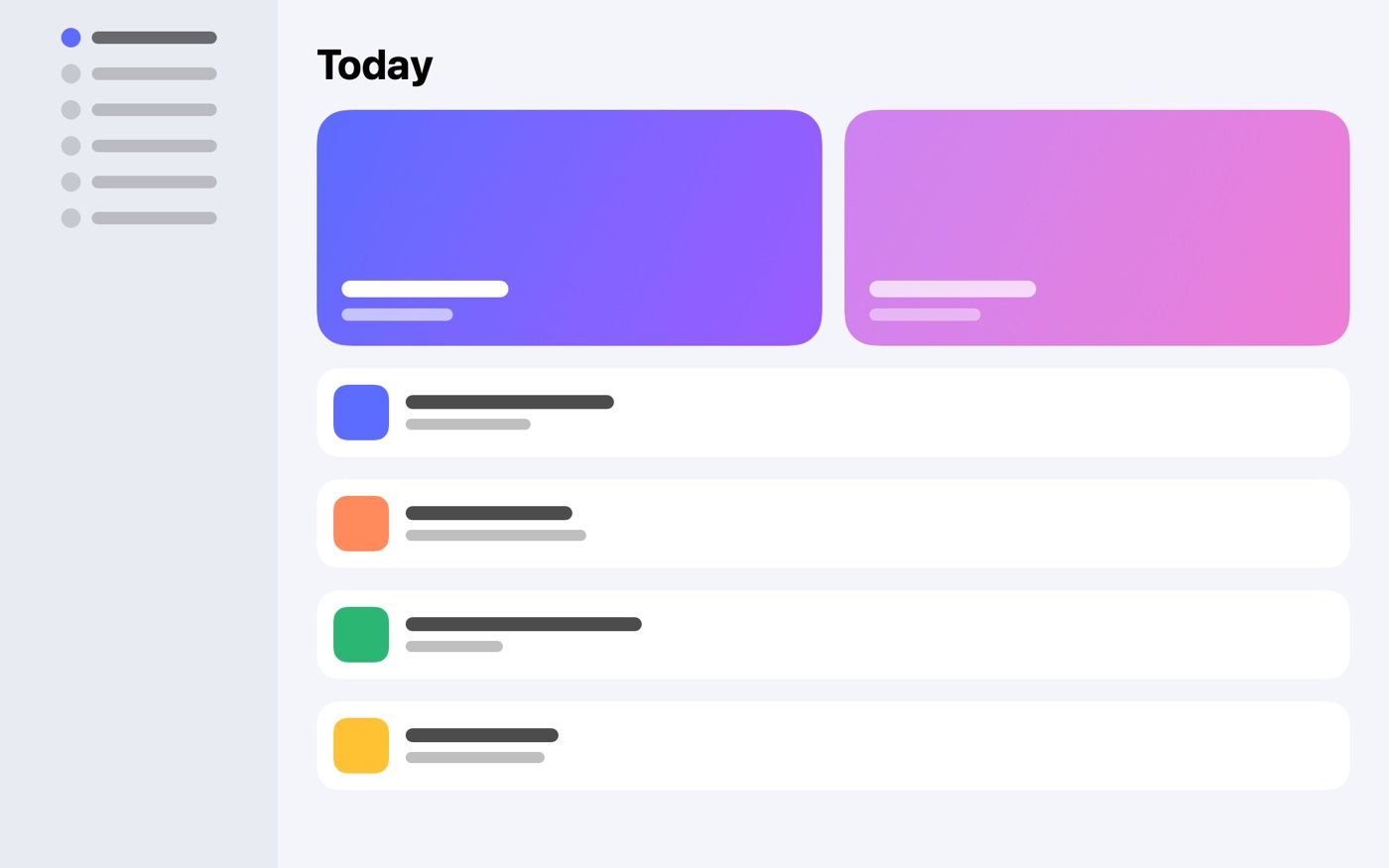
- iPadApp Store
- MacApp Store
- Apple WatchApp Store
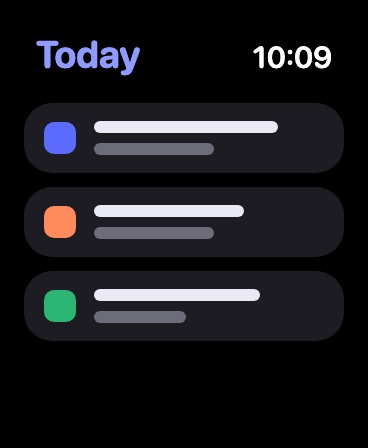
- Apple TVApp Store
- Vision ProApp Store
- Android phonePlay Store
- Android tabletPlay Store
- ChromebookPlay Store
Screenshots at the exact size each device needs, and the listing text each store asks for. Plus the Play Store feature graphic and icon, made from your logo.
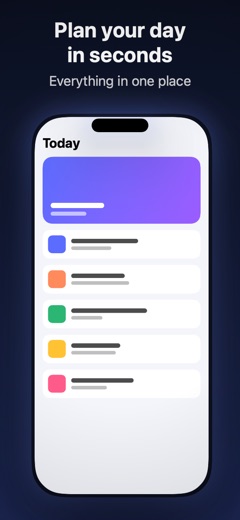
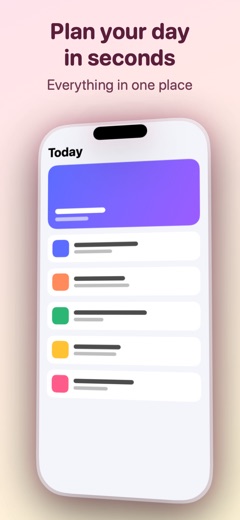
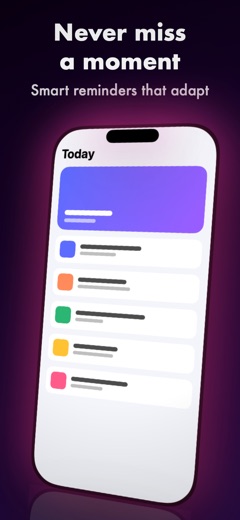
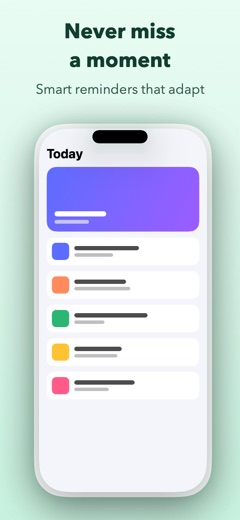
Your screenshot goes in. A store screenshot comes out.
Drag across the picture. On the left is a plain capture of an app. On the right is what Store Listing made from it.

 Before
After
Before
After
Three steps from screenshots to a live page
Drop your screenshots
Drop a few files or a whole folder. Store Listing knows which device each one is from by its size, and keeps your order.
Let it design the set
Quick Design gives every screen one look, in your app's colours, with a headline on each. Change anything you like after.
Publish in one click
Screenshots, previews and all the text go straight to the App Store and the Play Store, for every language and device you choose.
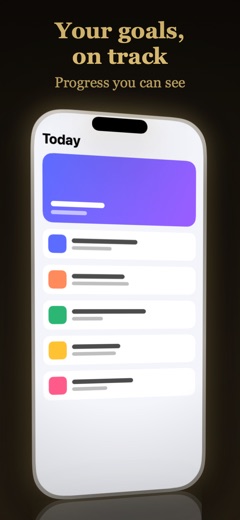
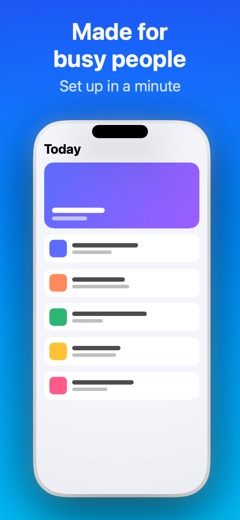
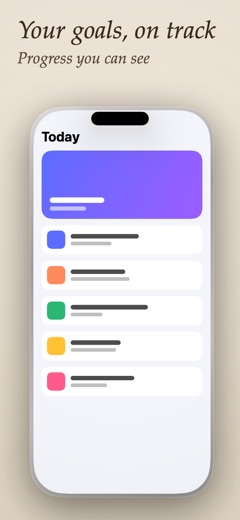
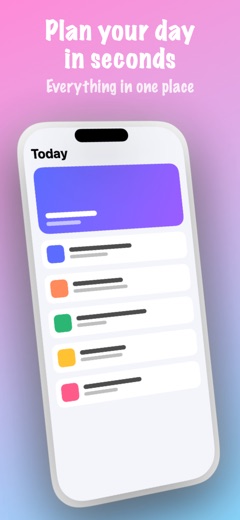
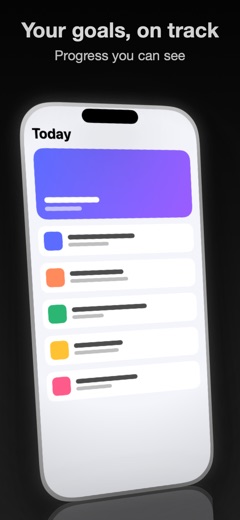
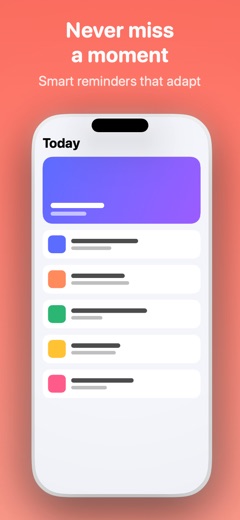
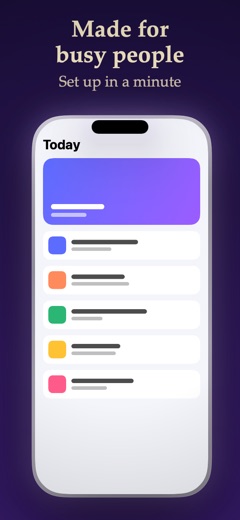
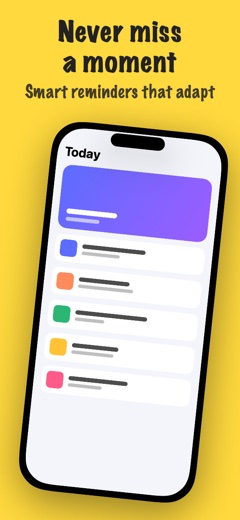
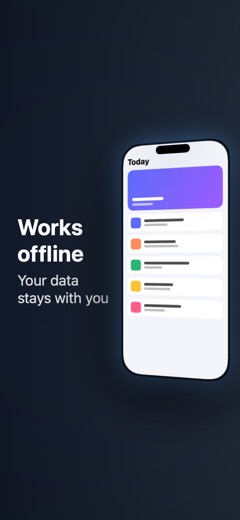
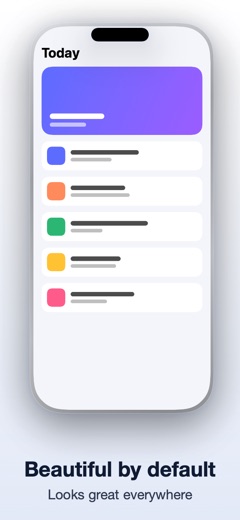
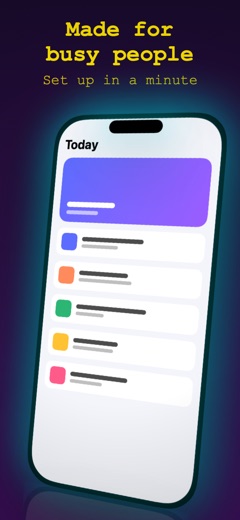
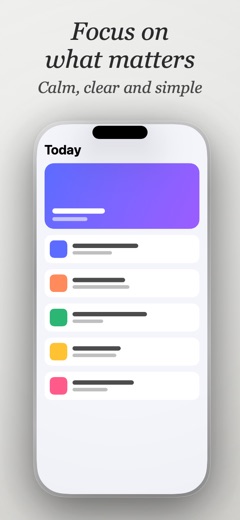
Start from a style you like
Every new project can begin with a finished look: colours, fonts, frames and effects already chosen. Or start blank and build your own.
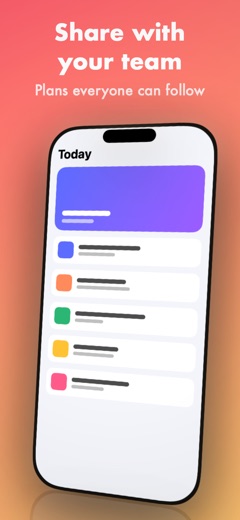
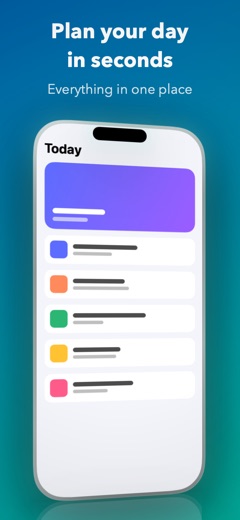
What the AI does for you
You stay in charge: AI suggests, you pick, and everything stays editable. Short writing jobs run on your Mac with Apple Intelligence when your Mac supports it.
Designs your screenshots
- Styles a whole set in one look, with colours from your app
- Writes a headline for every screenshot by reading what's on it
- Changes the design when you say so, like "make it blue, no tilt"
- Makes ten marketing screen versions from your request to pick from
- Paints custom backgrounds for your screenshots
Writes your listing
- Name, subtitle, description and keywords from one sentence about your app
- Promotional text and the Play Store short description
- What's New for every release
- The Apple TV privacy policy, from your privacy page
- Keeps every field inside each store's character limits
Speaks your customers' language
- Translates your listing into any of 80 languages
- Translates the words on your screenshots too
- Every language stays editable by hand
80 languages, one click
Every language the App Store and the Play Store accept: 39 on the App Store and 79 on the Play Store. Choose the ones you want and your listing and screenshots are translated together.
- Afrikaans
- አማርኛ
- العربية
- Հայերեն
- Azərbaycan
- বাংলা
- Euskara
- Беларуская
- Български
- မြန်မာ
- Català
- 中文(香港)
- 简体中文
- 繁體中文
- Hrvatski
- Čeština
- Dansk
- Nederlands
- English (Australia)
- English (Canada)
- English (India)
- English (Singapore)
- English (South Africa)
- English (United Kingdom)
- English (United States)
- Eesti
- Filipino
- Suomi
- Français (Canada)
- Français (France)
- Galego
- Ქართული
- Deutsch
- Ελληνικά
- עברית
- हिन्दी
- Magyar
- Íslenska
- Indonesia
- Italiano
- 日本語
- ಕನ್ನಡ
- Қазақ тілі
- ខ្មែរ
- 한국어
- Кыргызча
- ລາວ
- Latviešu
- Lietuvių
- Македонски
- Bahasa Melayu
- മലയാളം
- मराठी
- Монгол
- नेपाली
- Norsk
- فارسی
- Polski
- Português (Brasil)
- Português (Portugal)
- Română
- Русский
- Српски
- සිංහල
- Slovenčina
- Slovenščina
- Español (Latinoamérica)
- Español (México)
- Español (España)
- Español (Estados Unidos)
- Kiswahili
- Svenska
- தமிழ்
- తెలుగు
- ไทย
- Türkçe
- Українська
- اردو
- Tiếng Việt
- IsiZulu
Everything your store page needs
No design tools, no copy and paste into App Store Connect or the Play Console, no hours lost on a page you'd rather not make.
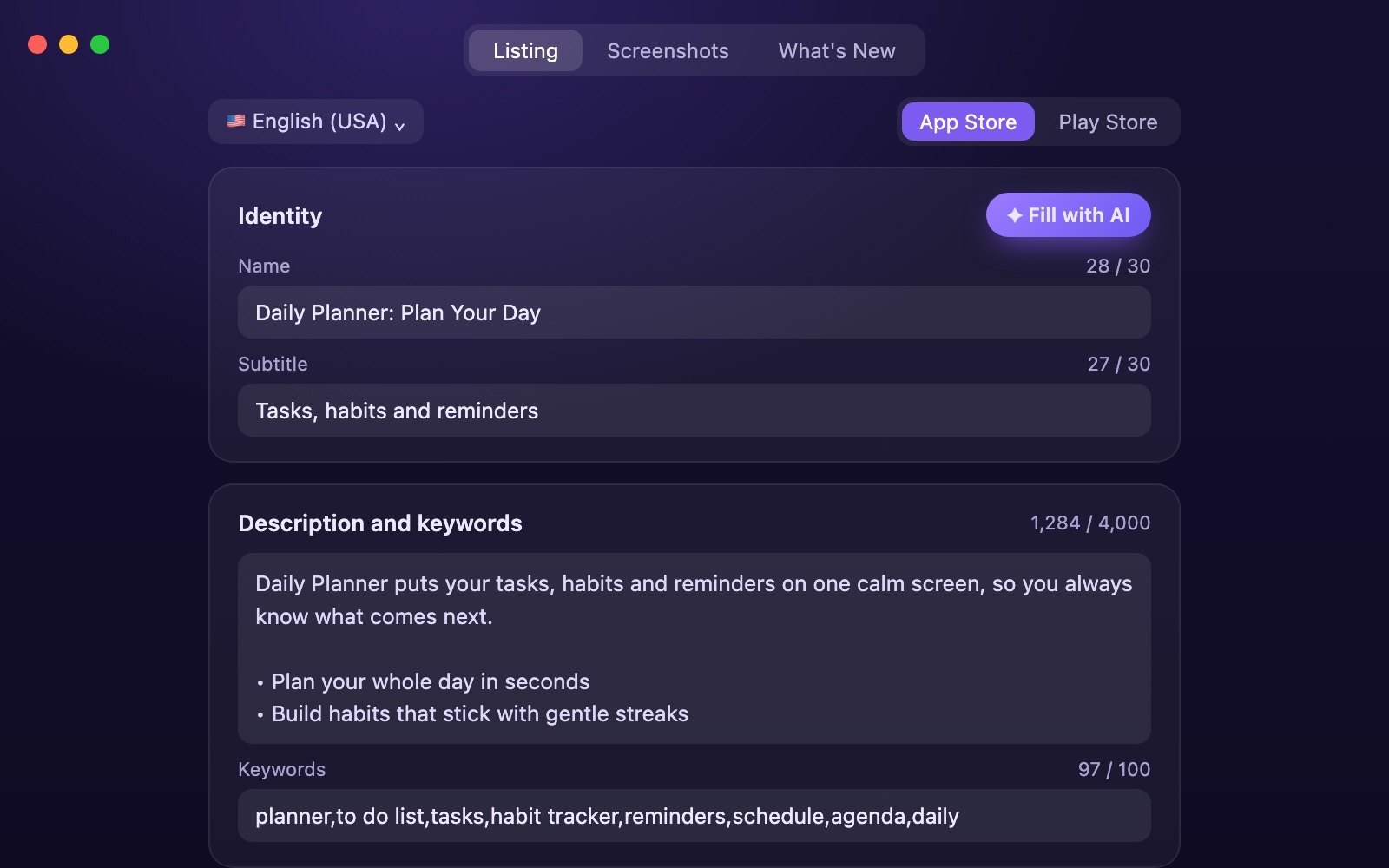
Listing text written for you
Describe your app in a sentence. AI fills in the name, subtitle, description, keywords and promotional text.
- Counters keep every field inside Apple's limits
- What's New for each release, by AI or by you
- Privacy, terms and support links added to every description
Headlines and posters that sell
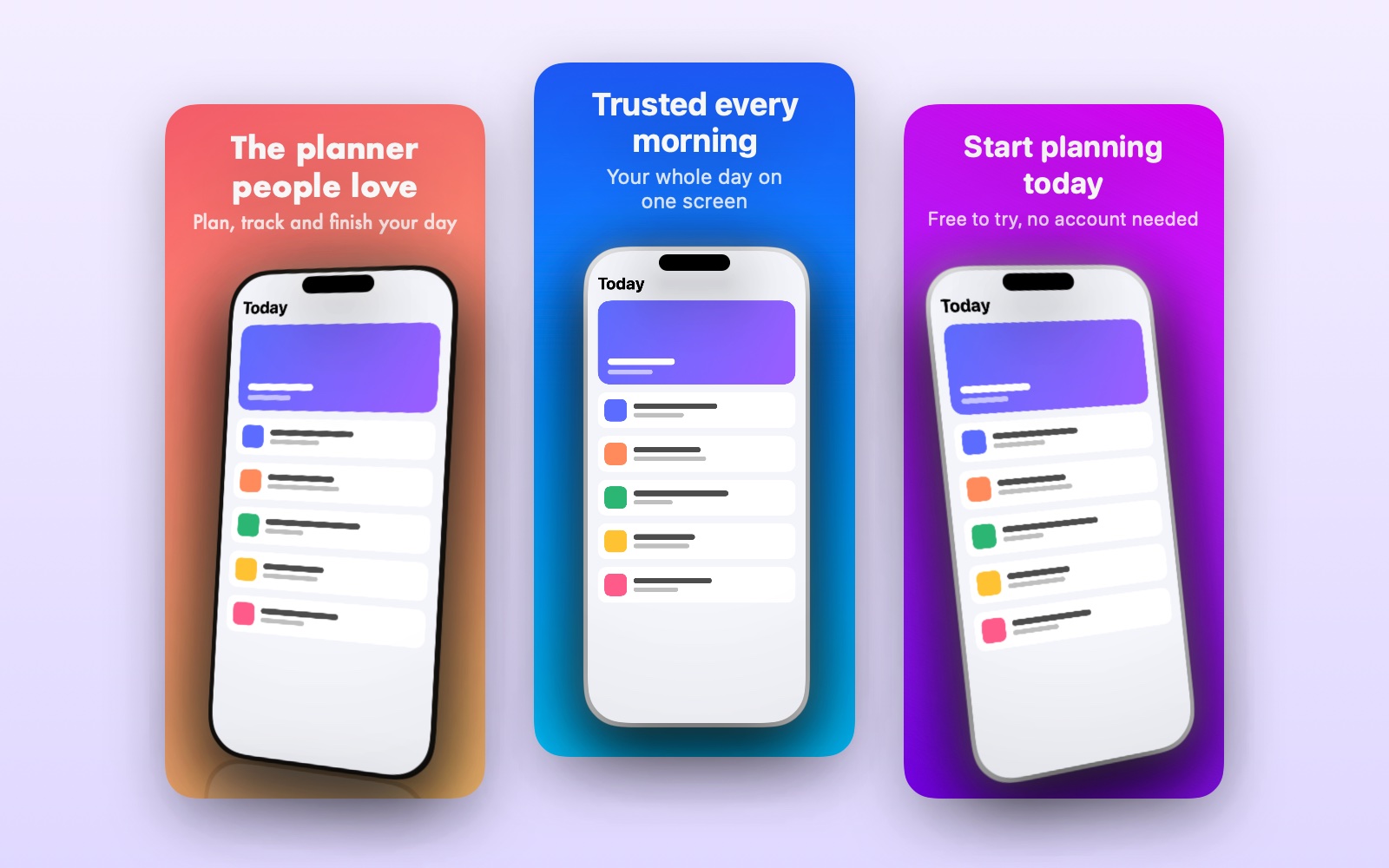
Every screen gets a headline in your font and colours. Turn any screen into a poster with a promise, an award line or the numbers that prove it.
- Ask for what the screen should say and pick from ten versions
- Header and search images for the App Store
- Every language translated, words on the screenshots too
Publish, and see what Apple says
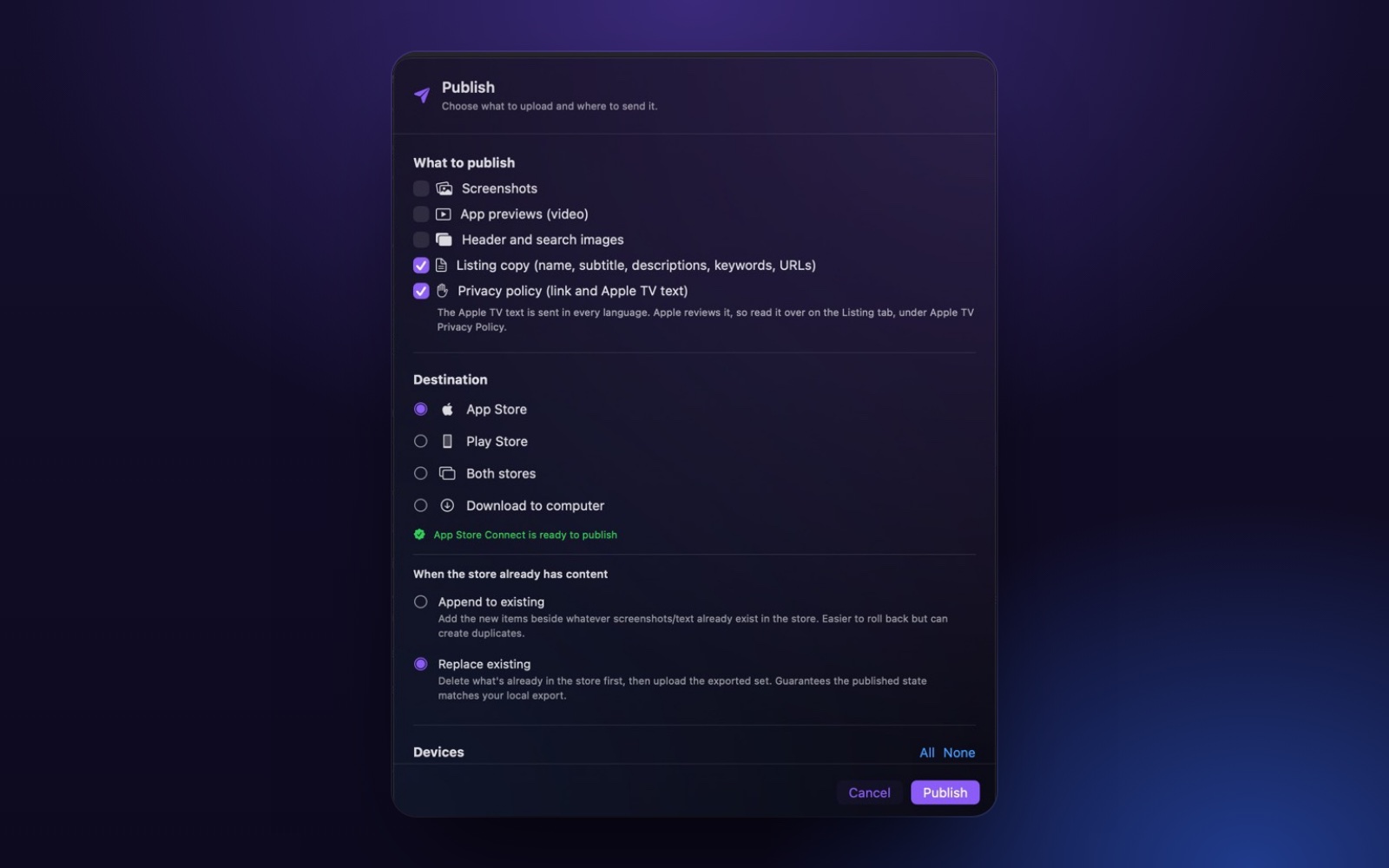
Pick the languages and devices, then send it all to the App Store and the Play Store. Watch each upload and see straight away if a store turns anything down, and why.
- Screenshots, app previews, listing text and What's New
- Replace what's there, or add to it
- Or save everything to a folder instead
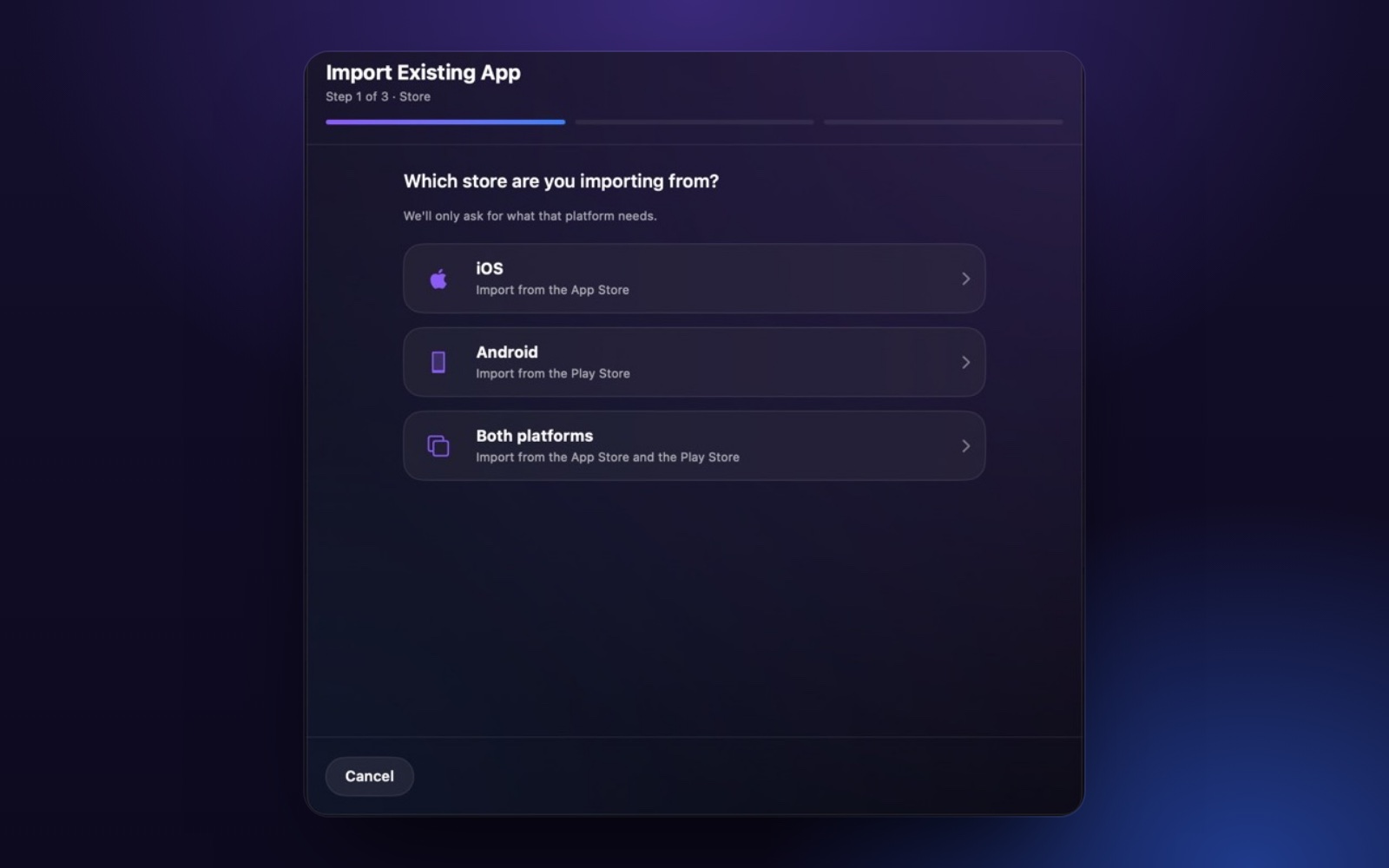
Already in a store?
Bring your live listing in from the App Store or the Play Store. Its text, screenshots and languages arrive ready to improve.
- Each app is its own project
- Separate profiles for work and personal apps
- Backed up to your own iCloud, keys kept in your Keychain
Try it free, upgrade when it pays off
Free
See what it can do with one app.
- One project
- No AI
- Exports carry a small watermark
Premium
Everything, with AI included and nothing to set up.
- Unlimited projects
- No watermark
- AI writing, design and translation built in
Developer
For people who already pay for Claude.
- Unlimited projects
- No watermark
- AI through your own Claude account
Prices are shown in the app and on the App Store. Cancel any time in your Apple account settings.
Questions
What is Store Listing & Screenshots?
Store Listing & Screenshots is a Mac app by Elleven Studio for app developers. You drop in plain screenshots and it makes finished App Store and Play Store pages: framed screenshots for every device, headlines, listing text and translations, then publishes them to both stores.
Which devices does Store Listing & Screenshots make screenshots for?
iPhone, iPhone Duo, iPad, Mac, Apple Watch, Apple TV and Vision Pro for the App Store, and Android phones, Android tablets and Chromebooks for the Play Store. Every screenshot is made at the exact size each store asks for.
Can Store Listing & Screenshots publish straight to App Store Connect and the Play Console?
Yes. Connect your App Store Connect and Play Console accounts once, pick the languages and devices, and Store Listing & Screenshots uploads screenshots, app previews, listing text and What's New in one click. It shows straight away if a store turns anything down, and why.
How many languages does Store Listing & Screenshots translate into?
80 languages: every language the App Store and the Play Store accept. The listing text and the words on your screenshots are translated together, and every language stays editable by hand.
How much does Store Listing & Screenshots cost?
It is free to try with one project. The free version has no AI, and its exports carry a small watermark. Premium gives unlimited projects, no watermark and AI built in, with nothing to set up. Developer gives unlimited projects and no watermark, and the AI runs on your own Claude account. Both paid plans also convert app preview videos for the App Store. Prices are shown in the app and on the Mac App Store.
Do I need design skills to use Store Listing & Screenshots?
No. Quick Design styles the whole set in one look using your app's colours, and you can start from a ready made style. Everything stays editable if you want to change it.
Is my work private in Store Listing & Screenshots?
Yes. Projects stay on your Mac and in your own iCloud, and store keys are kept in your Mac's Keychain and only sent to the store they belong to. We never see your screenshots or listing text.

Spend your time on your app, not its store page
Get Store Listing for your Mac and have your next App Store page ready today.